Add On's Can Be Added To Your Order At A Later Time
View Below For Step By Step Instructions If You Didn't Add Them At Checkout
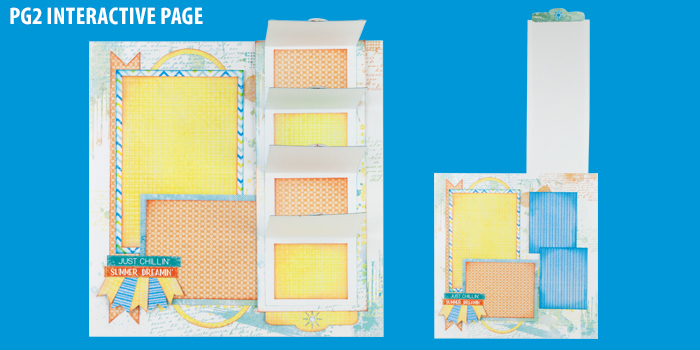
Companion Kit 1: Four Page Layout $29
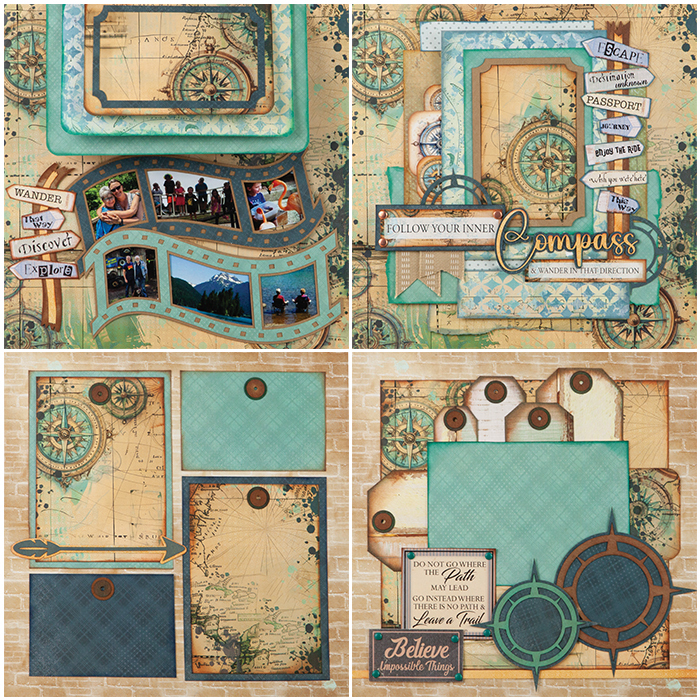
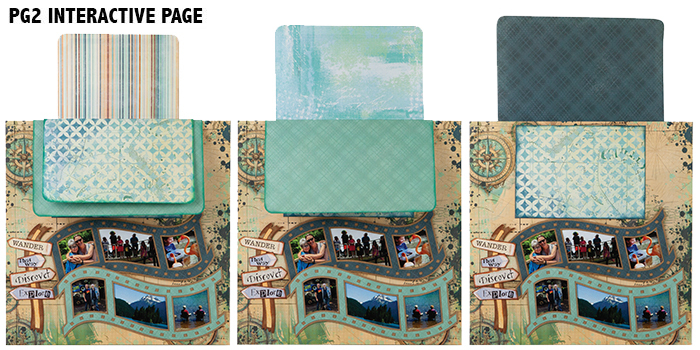
Companion Kit 2: Four Page Layout $29
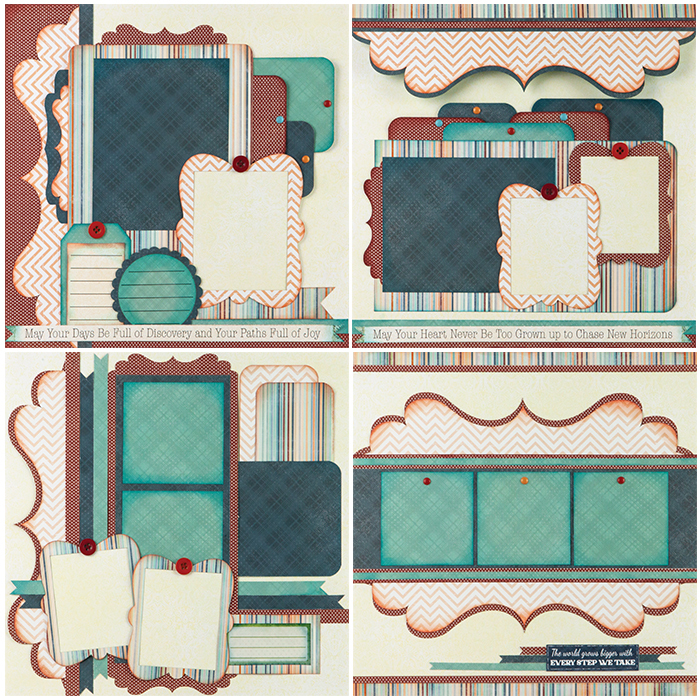
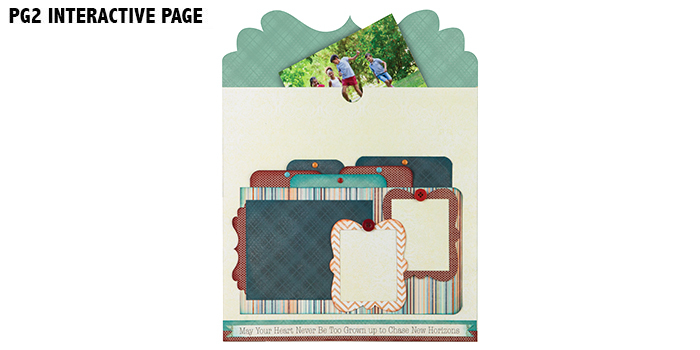
Companion Kit 3: Four Page Layout $29
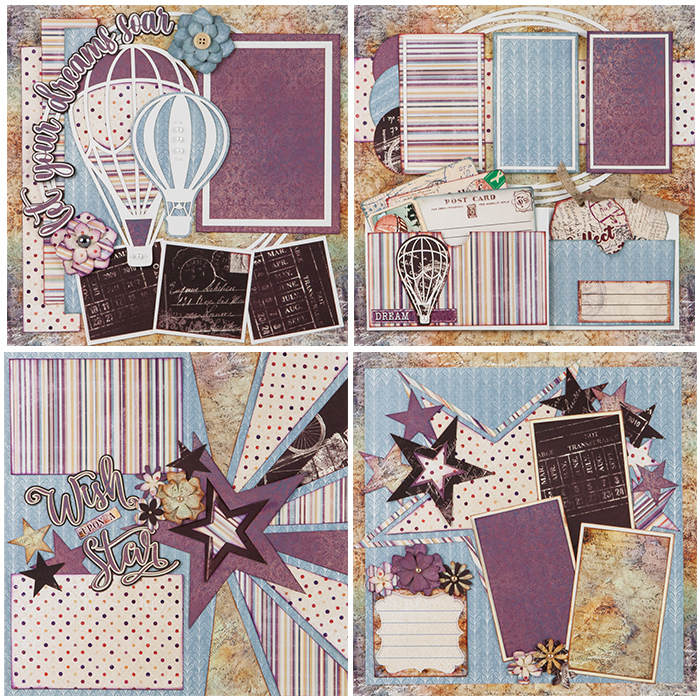
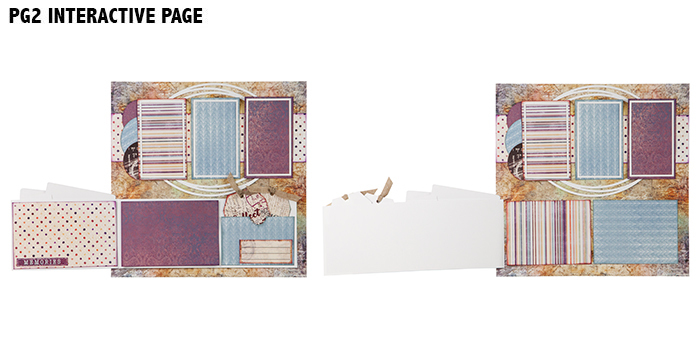
Companion Kit 4: Four Page Layout $29
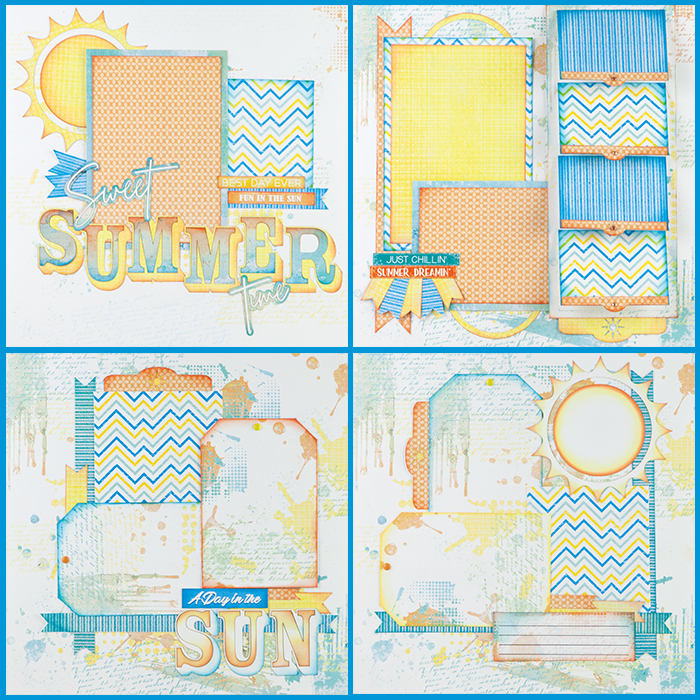
Event Special Deal Add On's
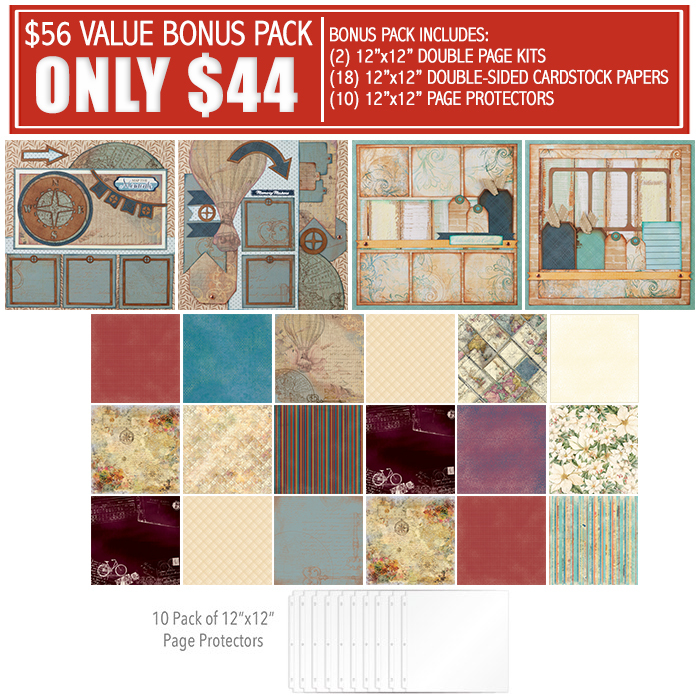
Extra Bonus Pack Only $44 ($56 Value)
Pack Includes: (2) 12"x12" Double Page Kits
(18) 12"x12" Double-Sided Cardstock Weight Papers
10 Pack of 12"x12" Page Protectors
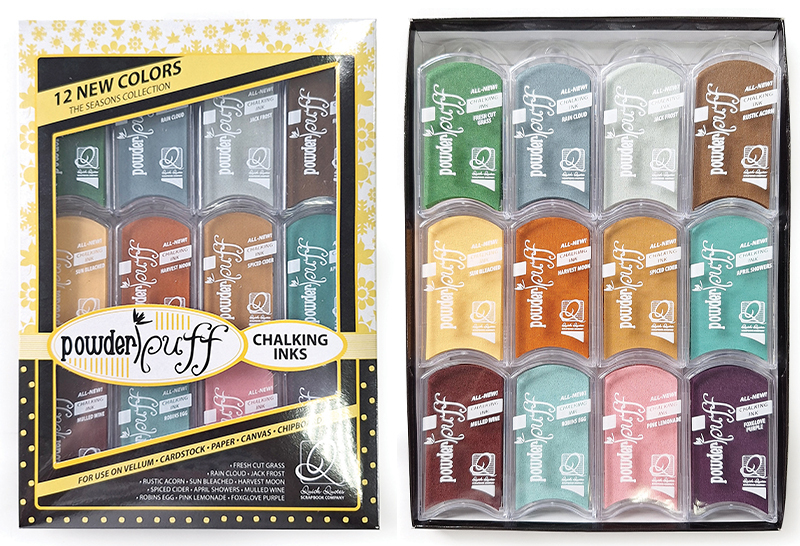
2026 PowderPuff Chalking Inks Only $42.99
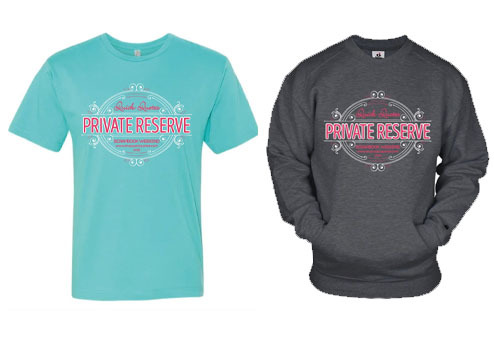
2026 Apparel Must Order By July 5th
T-shirts: (S-XL) $25 (2XL-5XL) $27
Sweatshirts: (S-XL) $45 (2XL-5XL) $49
All 3 Day Event orders (including add ons, inks and kits placed with your free shipping coupon) will ship with your 3 Day Online kits the 1st week of November. *Free Shipping doesn’t apply to Canada. There will be a $40 additional shipping charge. We will contact you for payment information on the shipping.
Did you forget to purchase Add Ons at Check Out? Follow these steps below to add them to your purchase.
IF YOU ARE HAVING PROBLEMS ACCESSING YOUR ACTIVE ACCOUNT PLEASE EMAIL SUPPORT@ACTIVE.COM
If you are having problems try using a different web browser. We have noticed issues with customers using Mobil Devices and/or Internet Explorer.
This guide will help you add them to your event. First you will have to log in to Quick Quotes Active page. Click Here to Log In >
For Mobile Devices Click Here to Log In >
Once you are on Quick Quotes Active Page, Click Sign In on the TOP RIGHT menu.

A POP UP will appear asking you to sign in
Once you SIGN IN click MY PROGRAMS on the TOP RIGHT menu
Once you are logged in, you will see all the events you are registered for. Go to the event you would like to purchase Add Ons and/or Bonus Classes and click on "ADD PURCHASE"
NOTE: If you are using a mobile device or tablet, you may see two options: “Edit Registration Form” and “Edit.” Please select the button labeled “Edit.” This will open the menu where the “Add Purchase” button will appear.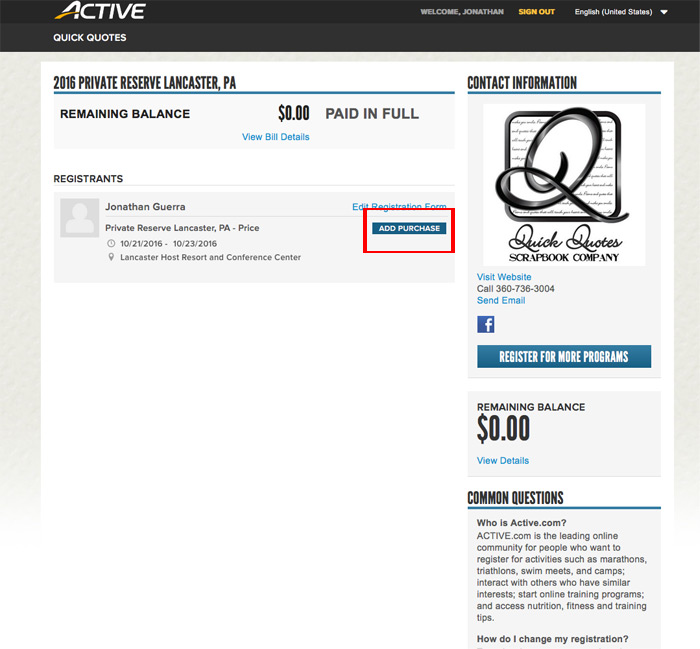
It will pop up a screen that will show that event’s Add Ons and/or Bonus Classes. Check all items you would like to add and the quantity. Then click on "CHECKOUT".
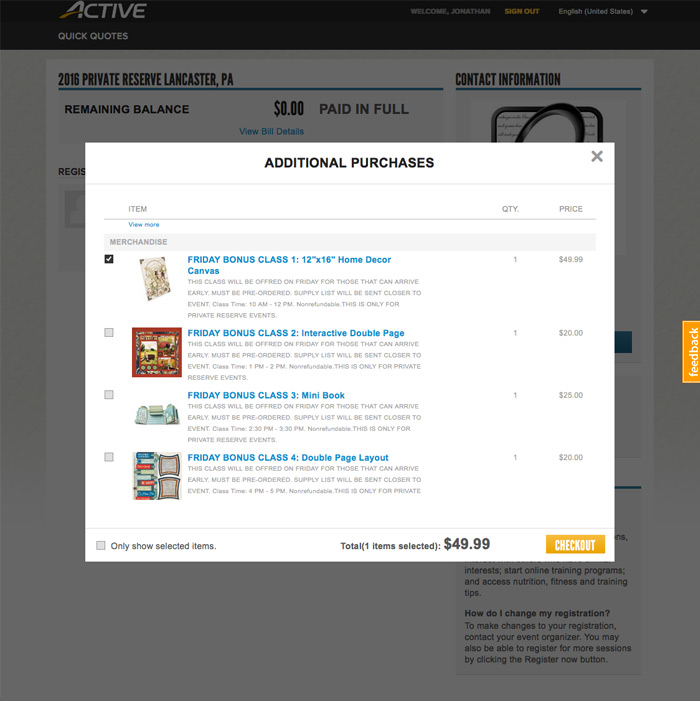
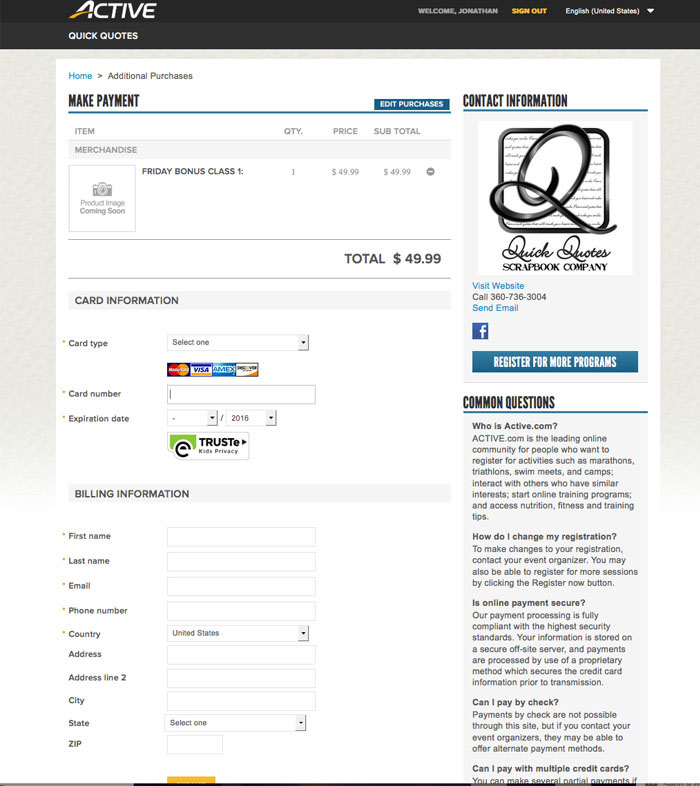
Check to make sure you have all items you wanted to add to your registration. Fill in all necessary information and finish the check out process. This will add the Add Ons and/or Bonus Classes to your event.